
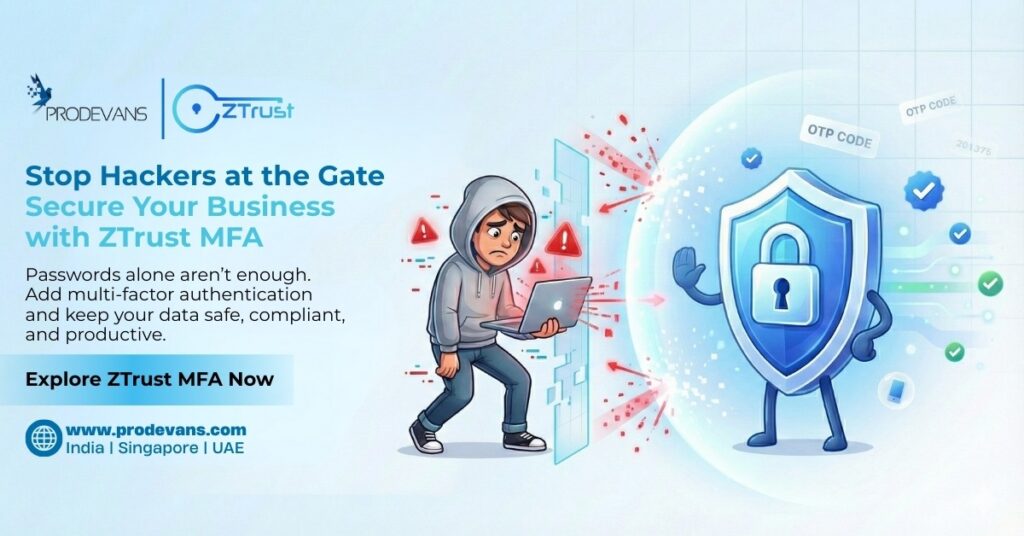
Remember the last time you could not recall your password. Annoying, isn’t it? Now a hacker guessing or stealing that same password just at the moment you forgot it. For businesses, that’s not just annoying–it’s disastrous.
In fact, passwords alone are insufficient. These can be cracked, stolen, or even sold on the dark web. And at that time, your sensitive data, customer trust, and even compliance levels are at risk.
This is the main reason that the majority of organizations are opting for Multi-Factor Authentication (MFA), and why ZTrust by Prodevans is making it easy, safe, and scalable.
What Is Multi-Factor Authentication?
Imagine it like this:
A password is your house key. MFA is the deadbolt and alarm system that keep intruders out even if they manage to copy your key.
Passwords = something you know.
MFA = something you know + have + are.
For example:
- A password is something you know.
- MFA adds a second factor — something you have (like a phone code) or optionally something you are (biometric like fingerprint/face).
- Example:
• Enter your password (factor 1)
• Then verify with a phone code or optionally a biometric check (factor 2)
This means even if hackers get your password, they’re locked out without the second or third check.
ZTrust MFA takes this layered security and makes it business-ready with admin policies, group/app-level controls, and audit logs.
5 Reasons to Adopt ZTrust MFA Today
1. Security That Actually Works
Most breaches are due to weak or stolen credentials.ZTrust MFA helps prevent most credential-based attacks.. It is like “barrier between attackers and your accounts/systems.”
Real-world example:
Suppose a hacker tricks an employee into giving away his password by sending him a phishing email. The intruder without multi-factor authentication is as good as having the master key to the front door. With ZTrust MFA, the intruder will be stopped because they don’t have the phone to complete the verification.
2. User-Friendly Experience
Security tools are often a source of frustration for users resulting in a sluggish workflow. ZTrust MFA has a different approach. It provides:
- One-tap approvals on mobile devices.
- Passkeys/WebAuthn to the list (“biometric/passkey for speed & convenience”).
- OTPs for users who prefer codes.
- Biometric authentication for speed and convenience.
- It’s security that feels natural—not burdensome.
3. Compliance, Covered
Standards and regulators (e.g., PCI DSS, HIPAA/HITRUST, various zero-trust guidelines) often require or recommend MFA for sensitive systems and admin access.
With ZTrust MFA, compliance will not be just a hassle on your checklist but will be more of a built-in security feature. Actually, you go beyond merely satisfying the requirements of the standards. ZTrust lets you apply the appropriate policy by app and user group.
4. Brute-Force Attacks Are No Longer Dangerous
Imitating the brute-force attacks, the intruders try almost all existing password combinations in order to find the right one. ZTrust MFA completely blocks them from proceeding. Even if the password is guessed correctly, the hacker will be required to pass the MFA layer, which they cannot do.
It’s like a locked door without a keyhole for the intruders.
5. Peace of Mind for Everyone
For employees → They get assurance that their accounts will not be compromised even if they are not very good with their passwords.
For customers → They get more confident in your brand. as you show that their data is your priority.
For IT teams → They are less involved in breach clean-ups and more in business development.
Multi-factor authentication does not only protect the systems, it also generates confidence in the whole chain.
Points to Consider Before Adopting MFA
Surely it is very easy to implement MFA with ZTrust but still, it can be implemented in a wise manner:
- Target the most vulnerable sectors: Start by fortifying your finance, HR, and customer data support systems.
- Keep the security & convenience balanced: Opt for the authentication methods (push alert, OTP, biometric) that incline your users more towards adoption.
- Initiate the backup scenario: Provide a backup or an alternative way of authentication so that it is possible to continue logging in in case of phone loss.
- Get users educated: Inform users about the benefits of MFA so they perceive it more as a shield than an obstacle.
- Do regular audits: Since security threats differ, so your MFA solutions need to be updated as well.
The Human Side of MFA
- For an employee it just requires a simple authenticated action on their phone.
- For IT it is the reassurance that the thief can not benefit from the credentials.
- For the management it is the comfort of not having to be the next news referring to a data leak that could have been avoided.
MFA, as a technical term, is somewhat complex, but its main goal is the same – people protecting people.
The Bottom Line
Passwords aren’t enough. ZTrust MFA adds a second (and optional third) layer that blocks most credential-based attacks without adding friction.
This feature is easy to deploy and effective in practice, as it is for companies which seriously take their security as a non-negotiable matter.
👉 So, would you like stepping in to secure your logins. Get in touch with Prodevans now, and glance at ZTrust MFA right before your eyes.